Instagram, TikTok & YouTube Caption Limits Explained (And How to Never Exceed Them Again)
Writing the perfect caption takes effort. But nothing is more frustrating than posting — only to realize your caption was cut off because you exceeded the character limit.
Every major platform has strict character limits, and exceeding them can reduce engagement, hide your call-to-action, or prevent publishing altogether. Sometimes unknowingly they trim the exceeded characters and you will think that my caption got published, but in reality it got trimmed due to their strict character limitation rules set by their application.
Why Caption Length Actually Matters
- Instagram: 2,200 characters
- TikTok: 2,200 characters
- YouTube descriptions: 5,000 characters
- X (Twitter): 280 characters
Emojis count. Line breaks count. Spaces count. Hashtags count. Many creators underestimate how fast captions grow.
Common Caption Mistakes Creators Make
- Writing in Notes app without checking length
- Copy-pasting large hashtag blocks
- Forgetting emojis increase character count
- Placing important CTA after preview cut-off
The Smart Way to Optimize Captions
Instead of guessing, use a real-time tool that measures:
- Character count
- Word count
- Line count
- Emoji count
👉 Use the SocialMediaToolsHub Caption Counter Tool
Real Example
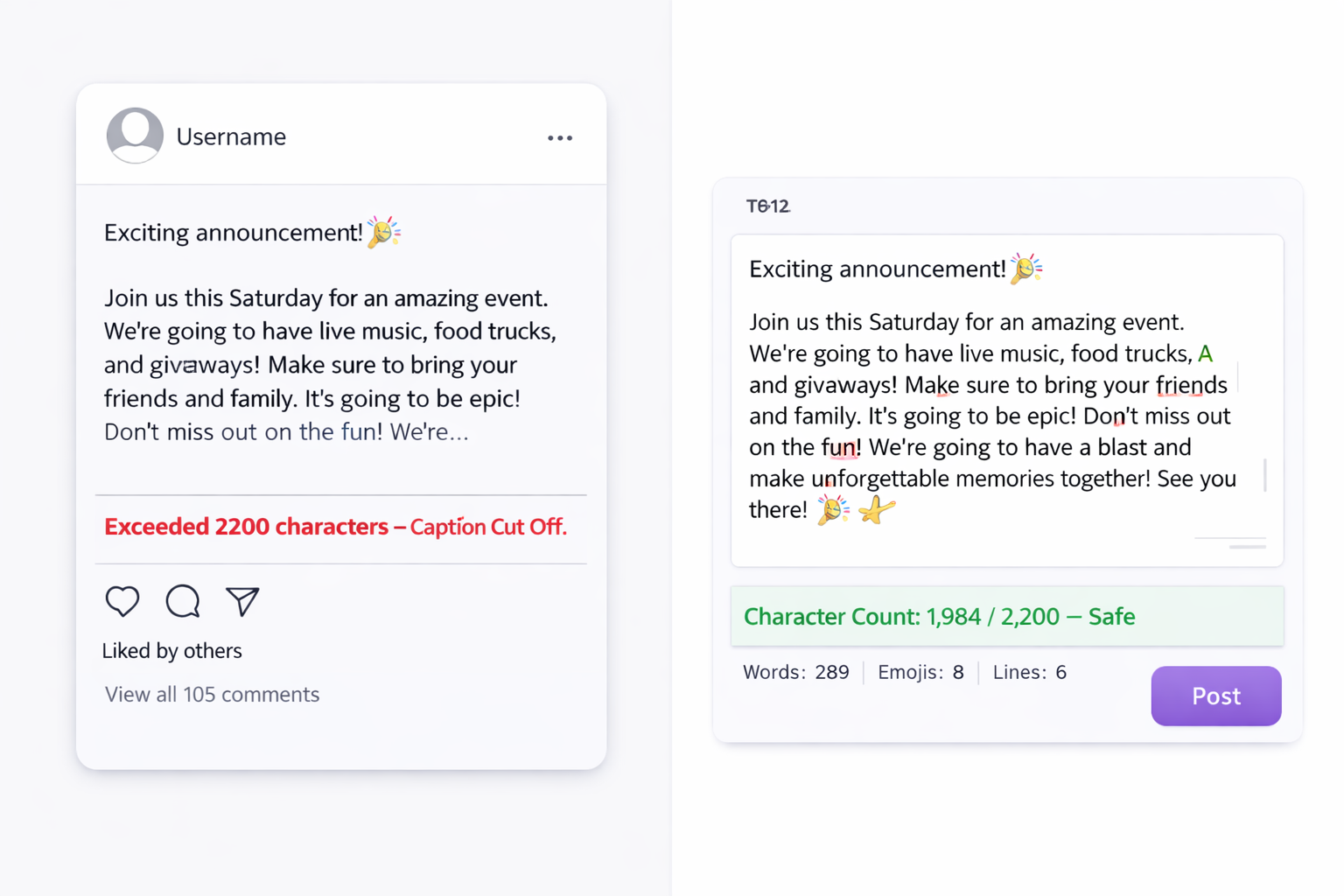
A quick check ensures you stay under platform limits and keep your call-to-action visible.
Why Professionals Always Measure First
High-performing creators don’t rely on guesswork. They test, optimize, and refine captions before publishing.
- Better readability
- Stronger engagement
- Cleaner formatting
- Higher retention
Small improvements compound over time — especially when posting consistently. These small improvements will give your followers a sense of seriousness about you and your content overall. Without this you may realise after sometimes, that something had gone miserably wrong earlier which you couldnt decipher. So its better to check with this tool that so that you later couldnt feel miserable.